
Demo JLR DOIP Enet Addon Soft for TOPIX Cloud

$69.00
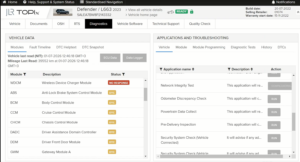
Get dealer-level diagnostics, coding, and programming on 2017–2026 Jaguar Land Rover vehicles — with a JLR Enet cable, one add-on software, and a TOPIx cloud subscription. No approved premises. No five-figure annual fees. Just three things, and you’re in.
JLR DOIP Enet Addon Soft for TOPIX Cloud
The Cheapest Way to Work with JLR TOPIx Cloud Online
Get dealer-level diagnostics, coding, and programming on 2017–2026 Jaguar Land Rover vehicles — with a JLR Enet cable, one add-on software, and a TOPIx cloud subscription. No approved premises. No five-figure annual fees. Just three things, and you’re in.
The Problem With Official Dealer Access
JLR moved to DOIP (Diagnostic Over Internet Protocol) starting in 2017. That means old J2534 cables won’t cut it on newer Range Rovers, Defenders, F-PACEs, or Evoques. And the official route? A wall of costs.
What dealer-authorized access actually looks like:
- Approved diagnostic hardware (expensive, locked, proprietary)
- Approved premises and insurance requirements
- Annual TOPIx subscriptions ranging from $8,000 to $15,000+
- Multi-year contracts with strict compliance obligations
For an independent shop, a solo technician, or a serious DIYer, that’s not a business model — it’s a barrier. Here’s the smarter way.
The 3 Things You Need
No hidden extras. No upsells. Just these three components, and you can do full dealer-level diagnostics and programming on modern JLRs.
-
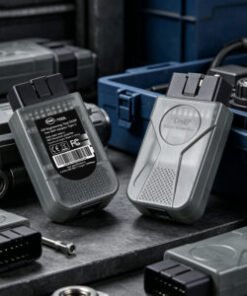
JLR Enet Cable
The physical bridge between your laptop and the car’s OBD port. Handles DOIP communication for all 2017–2026 JLR models.
-
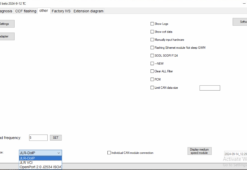
JLR DOIP Enet Add-on Soft
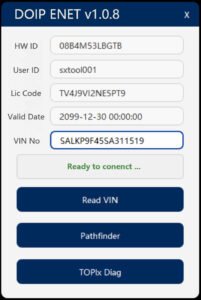
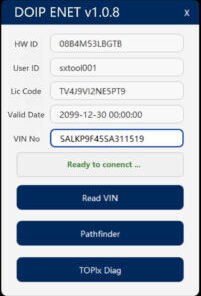
The bridge software that makes your Enet cable talk to TOPIx Cloud. Includes drivers, configuration files, and step-by-step setup guidance.
-
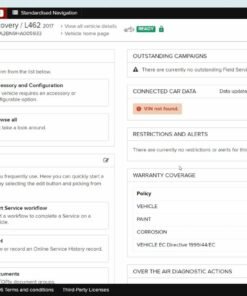
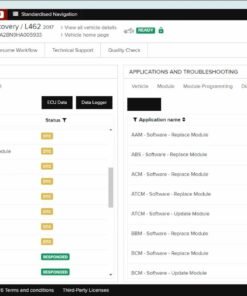
TOPIx Cloud Access
Your subscription to JLR’s cloud-based diagnostic and programming platform. Pay for what you need — no multi-year dealer contract.
How It Works
Once you have all three components, the workflow is straightforward. No guessing, no hacks — just a clean bridge from your laptop to the JLR cloud.
- Plug the JLR Enet cable into the vehicle’s OBD port (2017+ models).
- Connect to your laptop via Ethernet or USB, depending on your cable variant.
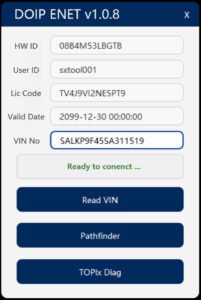
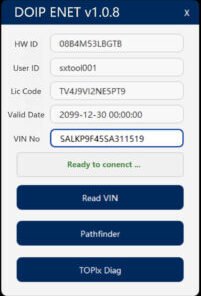
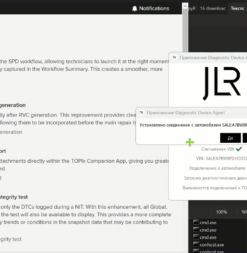
- Launch the JLR DOIP Enet Add-on Soft to handle protocol translation and routing.
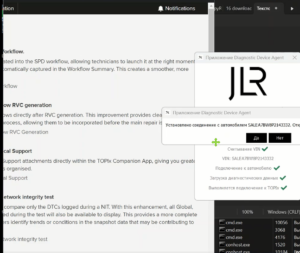
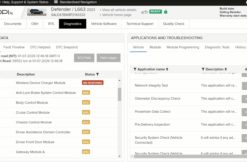
- Log into TOPIx cloud with your subscription credentials and start a new session.
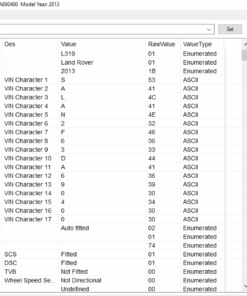
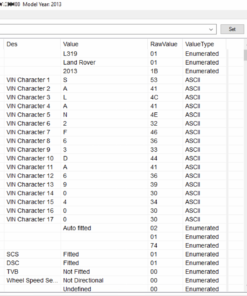
- Select the vehicle by VIN or model year. TOPIx sees your cable as the active diagnostic interface. You’re in.
Pro tip: Use a wired Ethernet connection if possible. Keep your laptop plugged in during long programming sessions. Read the setup guide twice — most “it doesn’t work” issues come from skipping a step.
Related products
Demo Software
Demo Software
Demo Software
Demo Software
Demo Software
Demo Software