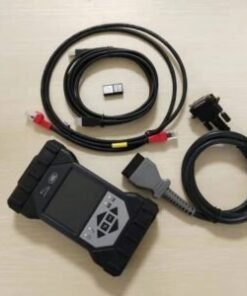

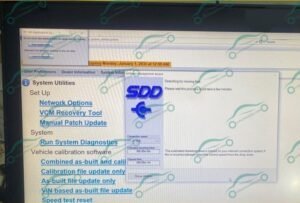
JLR SDD V168 Diagnostic Software Remote Installation
1.Product Introduction:
JLR SDD V168 is an official factory-level diagnostic and programming software designed for older Jaguar and Land Rover models, serving as the core repair tool for 2000–2017 JLR vehicles. We offer the pure full V168 version (latest July 2025 release) with professional one-on-one remote installation and activation service for hassle-free one-click deployment. Fully compatible with Windows systems, it supports complete dealer-level functions including full-system diagnosis, service reset, and module programming, making it an essential professional software solution for repair shops working on older JLR vehicles.
2.Why Choose JLR SDD V168?
- Complete Diagnostics: Perform auto scans, read and clear DTCs, view freeze frames, and run actuator tests with precision.
- Advanced Programming & Coding: Handle module configurations and software updates (where supported by the vehicle).
- Essential Service Functions: Reset maintenance lights, EPB, battery registration, TPMS, steering angle sensors, and perform DPF regeneration services.
- Guided Workflows: Access step-by-step guided diagnostics and wiring diagrams (when available in the data pack).
- Latest Stable Release: V168 (07-2025) offers improved performance and expanded vehicle coverage.
- Expert Support: Includes remote installation via TeamViewer and dedicated after-sales support.
3.What’s in the Package?
- JLR SDD V168 Installer: Full digital download of the July 2025 release.
- Essential Data & Patches: All required data files and patches for V168 functionality.
- Installation Guide: A comprehensive step-by-step PDF manual.
- Remote Setup Service: Professional installation and activation support for Windows 10/11.
- Technical Support: Access to CarSoftz after-sales updates and technical assistance.
4.System Requirements
To ensure smooth operation, please ensure your PC meets the following specs:
- Operating System: Windows 10 / 11 (64-bit) – Administrator rights are required.
- Hardware: Intel i5 processor or better; 8 GB RAM (16 GB recommended).
- Storage: At least 50 GB of free space for software and data.
- Internet: Required for initial download, activation, and remote support sessions.
- Interface: Original DOIP VCI, J2534, or approved VCI (e.g., Mongoose JLR, or DOIP-capable devices for newer models).
5.Vehicle Coverage
This JLR SDD software covers the following ranges:
- Jaguar: Approximately 2008–2017 (SDD platform).
- Land Rover / Range Rover: Approximately 2000–2017 (SDD platform).
Note: For 2017+ vehicles requiring DoIP, we recommend using Pathfinder. Contact us if you need a combined package.
6.Recommended Workflow
- Prepare your Windows PC and connect your VCI; temporarily disable antivirus/firewall.
- Download the software files from your CarSoftz order page.
- Book a remote installation session; our technician will handle the setup and activation.
- Connect the VCI to your vehicle and run a full auto scan before performing any services or programming.
7.Important Notes
- This is a digital product; no physical media (CD/USB) will be shipped.
- Certain programming and coding functions depend on the vehicle year, hardware specifications, and VCI capabilities.
- Professional use is recommended. Please ensure stable power and network connection during programming to avoid interruptions.
8.Delivery & Installation Process
Once your payment is confirmed, you will receive your download link instantly via email. A CarSoftz technician will connect with you via TeamViewer to complete the setup and activation. The process is quick and usually takes between 30 and 60 minutes.
9.Frequently Asked Questions (FAQ)
- Does this include remote installation?
Yes, absolutely. We provide full assistance via TeamViewer on Windows 10 and Windows 11 systems. - Is V168 the latest version?
Yes, this package features the July 2025 release (V168), the most up-to-date version available. - Which interface (VCI) should I use?
We recommend a compliant J2534 or original DoIP VCI. Please contact us if you are unsure about your device’s compatibility.
Related products
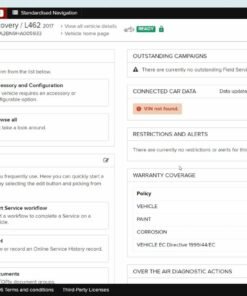
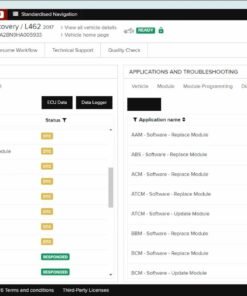
Demo Software
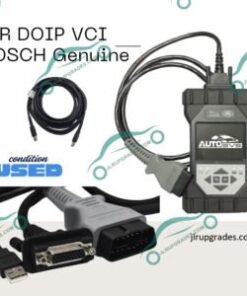
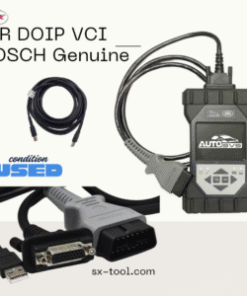
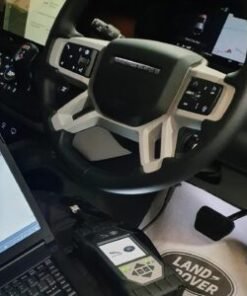
JLR Diagnostic
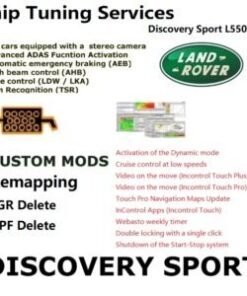
JLR Diagnostic

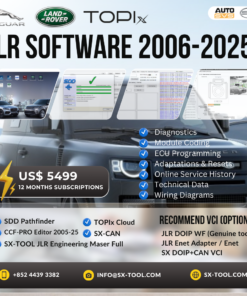
JLR Diagnostic
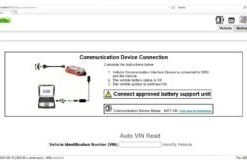
JLR Diagnostic
JLR Topix Cloud Diagnostics 6 Months Login Account 2017-2026